 Wikipoint
One QR.
A connection that lasts.
One scan opens your Wikipoint, where customers can discover your latest news and updates. Choose a personalised QR holder: a small object on the table, more opportunities to bring customers back.
Choose your QR holders →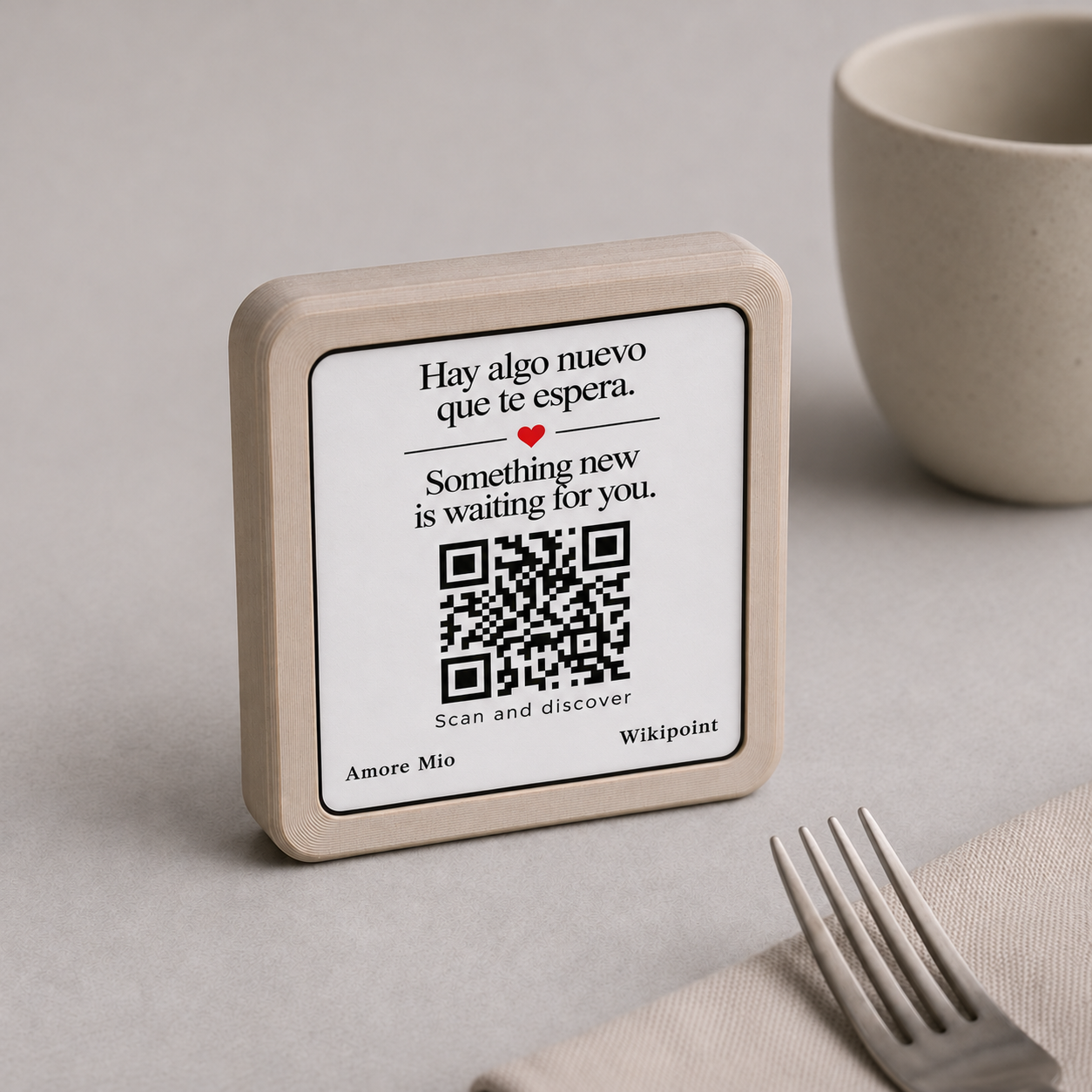
Find the right holder.
Choose a model, personalise colours and finishes, and select the quantity.
Zero Pensieri kitThe plan includes 10 pieces of one model of your choice from the three marked below. Other products are sold separately.
Choose it. Personalise it. Put it on the table.
Choose a model and quantity.
Compare materials, dimensions and unit prices, then put together your order with matching holders and accessories.
Add your logo and content.
Choose a colour and finish, enter your Wikipoint link and upload your logo. Wikipoint prepares the artwork for your approval.
Approve the artwork, then production begins.
Wikipoint will handle the purchase. Production begins after order confirmation and artwork approval.
Prepare your preorder.
This request prepares a preorder for Wikipoint, not a confirmed order. We check the products, details and personalisation and finalise the order with you before production.
Preparation and checks before confirmation
Before production, you will receive the artwork for approval: we will check the text, proportions and QR readability.
Personalising engraved plaques
The front can be engraved with a monochrome logo, business name, number, short instruction or matching text. These plaques do not use UV printing or colour reproduction: a coloured logo is adapted to monochrome artwork for laser engraving.
Upload a sharp, high-contrast logo in JPEG, PNG or PDF. Wikipoint will check the result and prepare a version suitable for engraving if needed.
The original customer file will be kept separately and unchanged for production. Any simplified or normalised engraving version will be a production derivative and will not replace the original. The preview illustrates positioning and proportions; the artwork will be checked before production.
Before you choose.
Is the holder included in the Wikipoint subscription?
Zero Pensieri includes 10 personalised QR plaques of the same model in year one. Choose a round plaque, square plaque or rectangular label. Standard delivery is included. Your adviser can quote a supplement for other models. Maker and Creator customers can buy plaques separately.
Can the QR open my existing Wikipoint?
Yes. The holder uses the permanent public QR of your Wikipoint. The artwork and QR readability will be checked before production. Your QR stays the same when you update your content.
Do the photos show the personalised product?
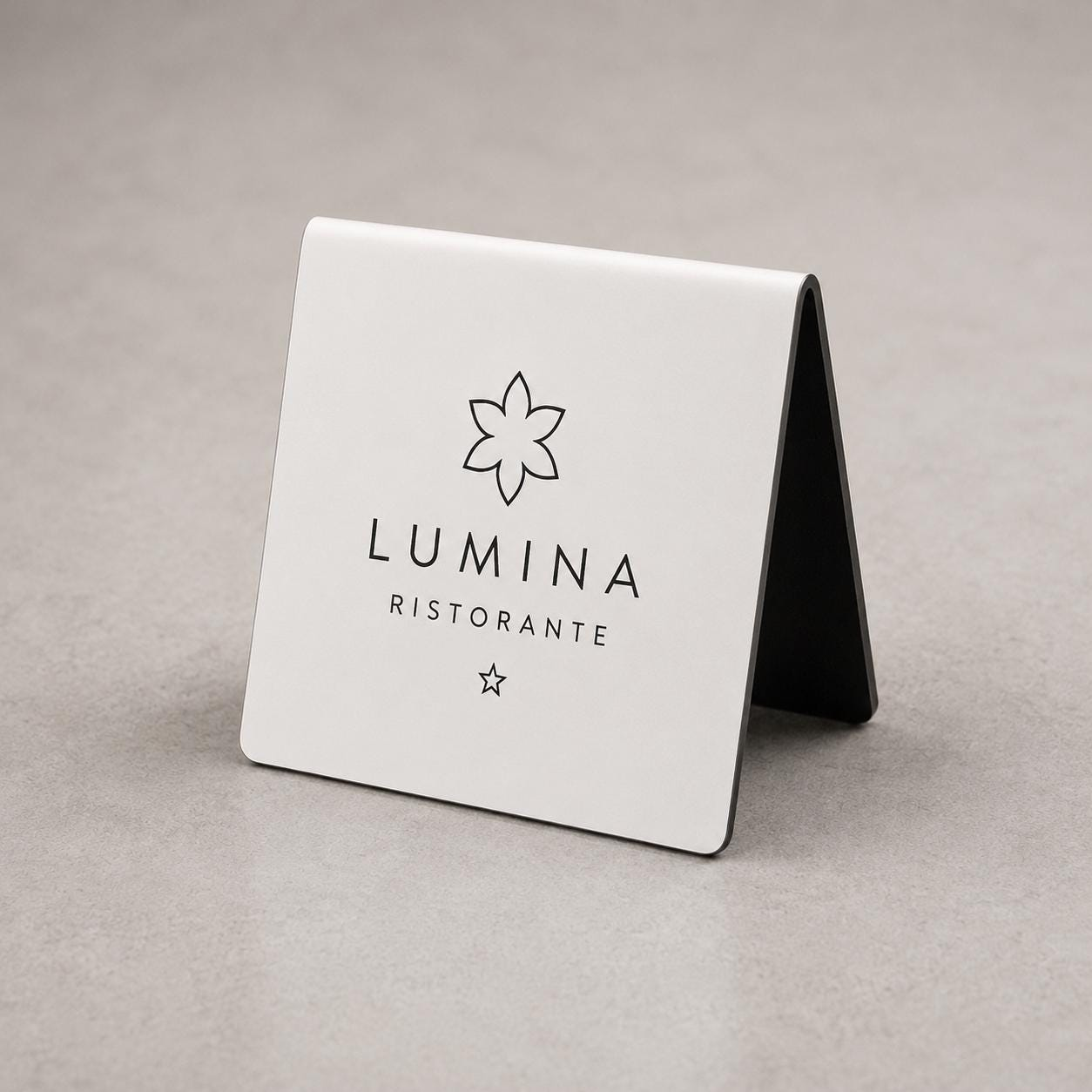
No, they show examples of the selected products. Photos change with the colour when a matching photo is available; other configurations are shown as examples. The final artwork will be approved before production.
How do I send a preorder?
Prepare the summary, then email it to Wikipoint. You can attach your logo and artwork in your email app.